Share your PS5. Stay in control.
Let other people play on your PS5 when you are not using it. You log in on Sony's website. Players can't open your settings. You can stop at any time.
Hosting is free.1 Setup takes about 10 minutes.
When it's a player's turn, we turn on your PS5 and send the game to them. When nobody plays, your PS5 rests.
Change 3 settings, plug in an internet cable, and use a second PSN account. The steps are below.
You type your password on Sony's website, not ours. We never see it.
We do a quick test. Then you press Go live. Your PS5 only turns on when a player comes.
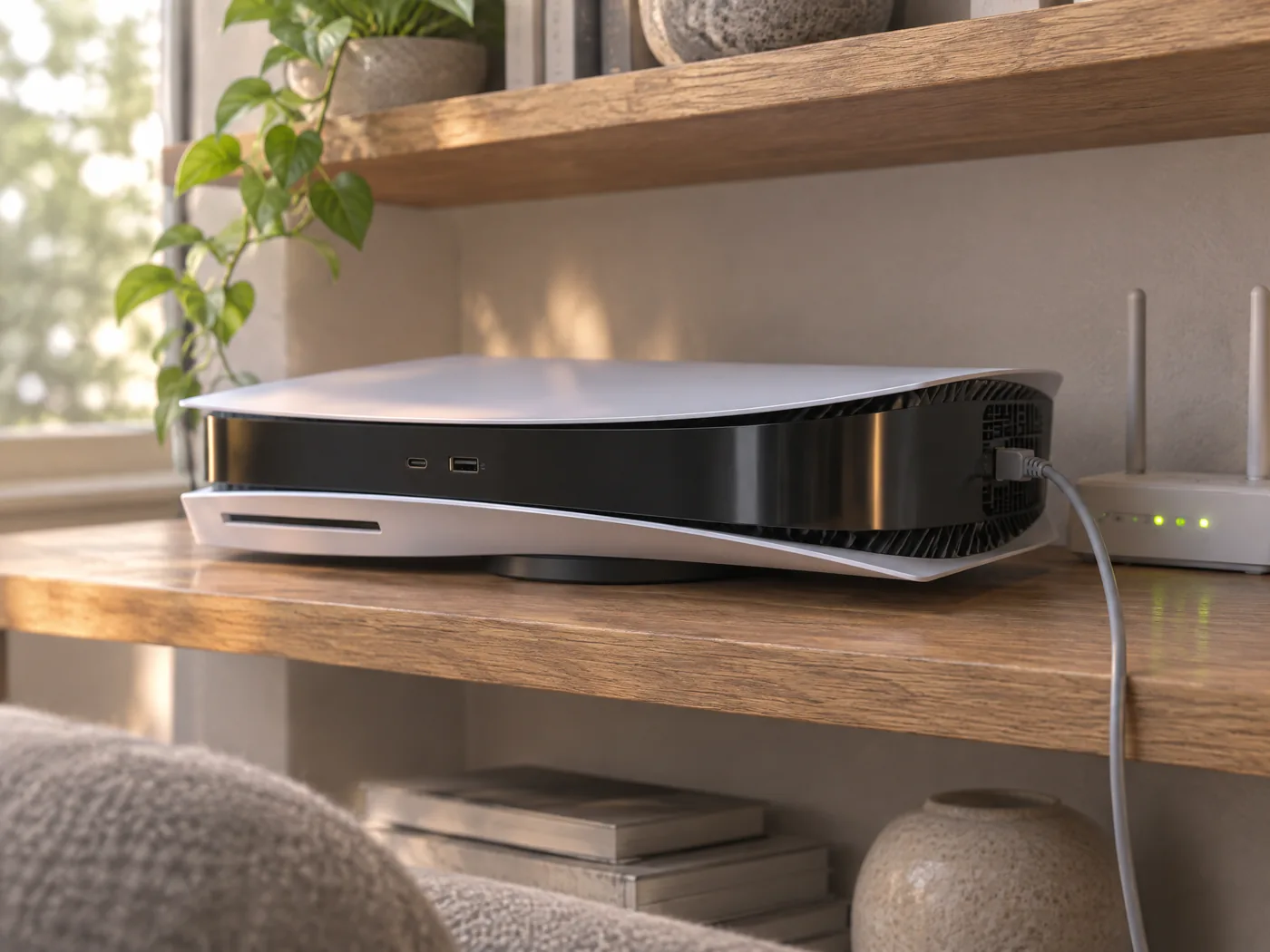
A PS5 with a cable to your router. Wi-Fi is not good enough.
Every button goes through our server first. We block the system buttons, so players can only play the game.
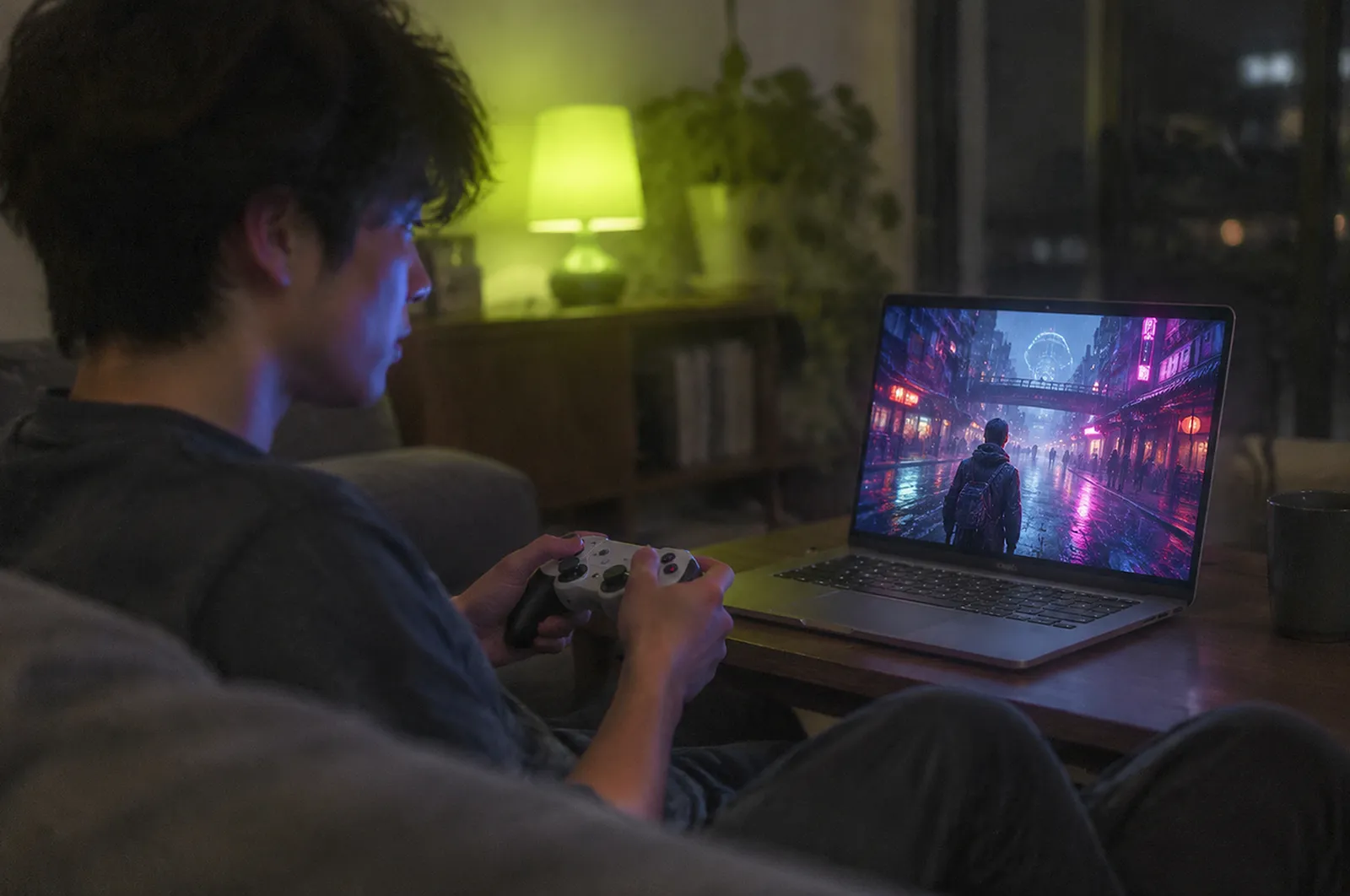
Players can still open the game's own menu and shop. So set your spending limit to 0.
What we keep, how we protect it, and how you stop.
Sony's rules say Remote Play is for personal use. Sony could block the PSN account you use.2 So use a second PSN account, not your main one.
Players can still open the game's shop. Set the spending limit to 0 and remove your saved card.
6 steps. The menu names are the same as on your PS5.
Connect your PS5 to your router with a cable. Your upload speed must be 15 Mbps or more. Check it on speedtest.net.
Best: use a second PSN account with no saved card.
Sony's login opens in a new tab. Log in. Copy the web address of the page you see. Paste it on our page. Then pick your PS5.
We test your PS5 for a few seconds. If something is wrong, we tell you how to fix it.
Something else? Ask on Discord.
You log in on Sony's website, so we never see your password. We keep only a login key, locked with encryption. We delete it when you remove your PS5. Use a second PSN account to be safe.
They can only play the game. The PS, Create, Options and Touchpad buttons are blocked. The game's own shop still opens, so keep the spending limit at 0.
Press Pause on your page. Nobody can use your PS5 until you turn it back on.
No. It turns on only when a player comes, and stops 2 minutes after the last player.
No. It's free. Your PS5 only uses some electricity and internet while someone plays.
Yes. Remove your PS5 on your page and we delete everything right away.
Free. Stop at any time.