
GTA 6 keyboard and mouse controls: the full key map
GTA VI is a console game, but you can play it with a keyboard and mouse in your browser on PlayMyPS5. Here's every key, how the mouse camera works, and the settings that make driving and shooting feel right.
 By Mateo Lindqvist · Published · Updated
What's in this article
Key takeaways
- Click the video to lock the mouse: mouse = camera, left click = shoot (R2), right click = aim (L2).
- WASD moves, V enters/exits vehicles, T or M opens the map, Enter pauses.
- Press B for driving mode: W becomes gas and S becomes brake/reverse.
- Every key is remappable, with MacBook and left-handed presets; gamepads and touch work too.
Full keyboard and mouse layout
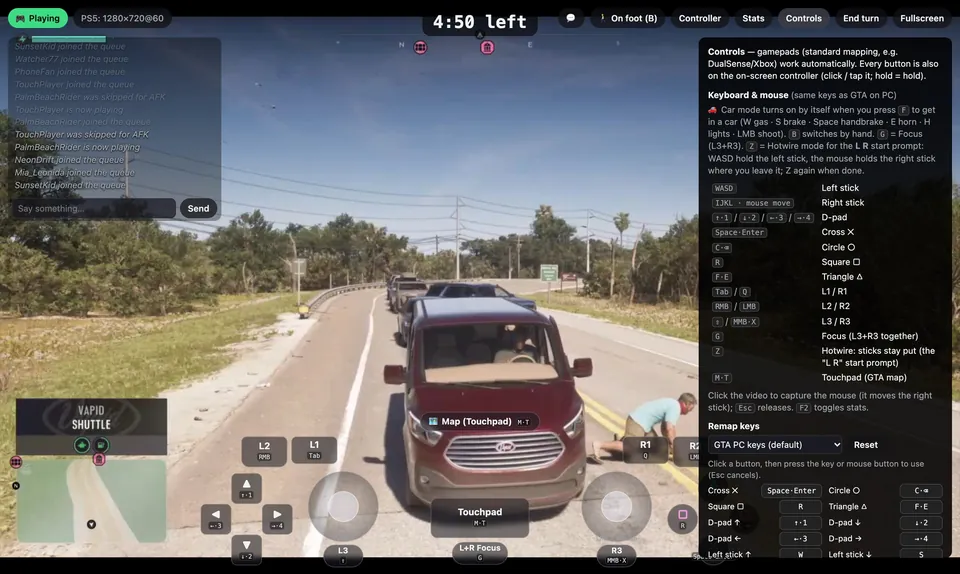
| Action | Key | PS5 button |
|---|---|---|
| Move / walk | W A S D | Left stick |
| Camera / look | Mouse (or U H J K) | Right stick |
| Shoot | Left click | R2 |
| Aim | Right click | L2 |
| Jump / confirm | Space or E | Cross |
| Back / cancel | C or Backspace | Circle |
| Reload / action | R | Square |
| Enter / exit vehicle | V | Triangle |
| L1 / R1 | Q / F | L1 / R1 |
| Sprint / crouch (L3 / R3) | X / Z or middle click | Stick clicks |
| D-pad | Arrow keys or 1–4 | D-pad |
| Map | T or M | Touchpad |
| Pause menu | Enter | Options |
| Driving mode on/off | B | W = R2 gas, S = L2 brake |
The layout follows the popular Better xCloud "Standard" preset, so it'll feel familiar if you've played console games in a browser before.
How the mouse camera works
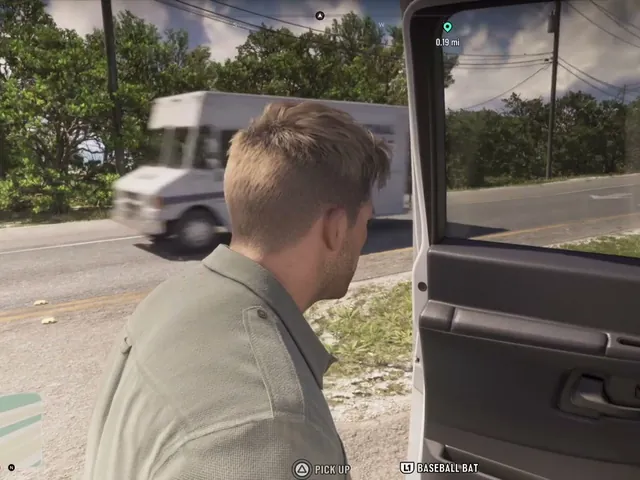
Click the video and your mouse is captured (Esc releases it). Mouse movement is turned into right-stick input every frame, with a small boost so even tiny movements get past the game's stick dead zone. In Controls on the play page you can change:
- Sensitivity (default 100)
- Dead-zone counterweight (default 20)
- Invert Y
Settings are saved in your browser.
Driving in GTA 6 on a keyboard
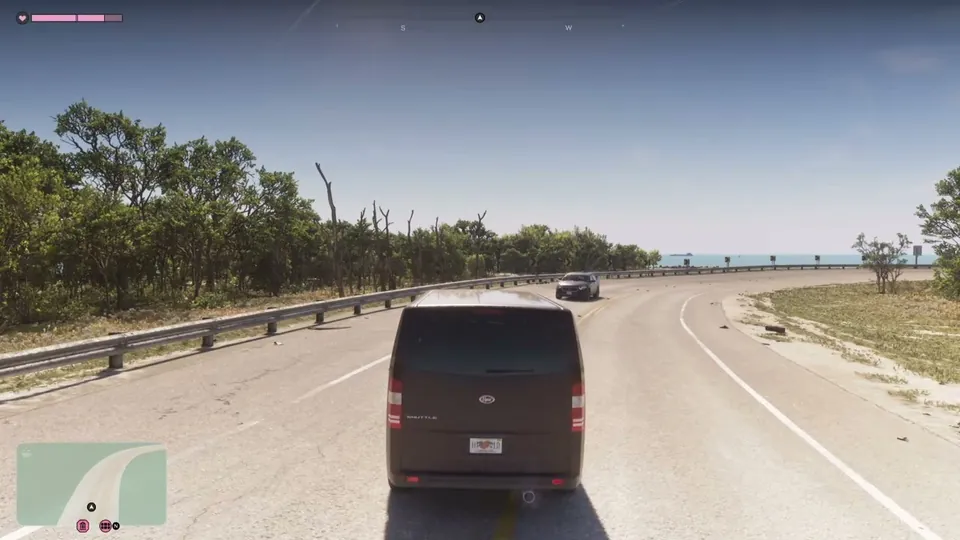
On a pad, gas and brake are triggers. On a keyboard, press B once you're in a car: W becomes gas and S brake/reverse, and A/D steer. Press B again when you get out.
Trackpad and MacBook tips
- Choose the MacBook preset in Controls → Remap keys: every action sits around WASD and the camera moves to IJKL.
- Turn on One-click shoot (Controls → Mouse aim) so one click aims and fires.
Gamepad and touch controls
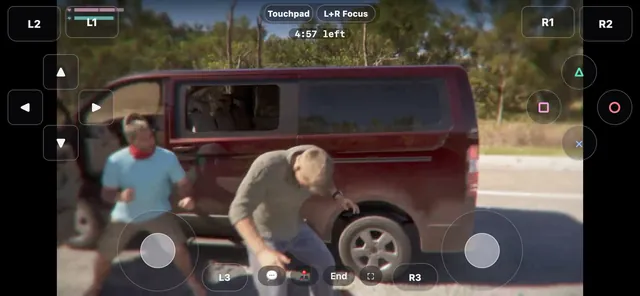
- Gamepads: DualSense, DualShock 4, Xbox and most standard pads work over USB or Bluetooth. Chrome and Edge are best.
- Phones and tablets: an on-screen DualSense appears. Drag the left circle to move, the right circle to look.
Full tables for every input: How it works.
Frequently asked questions
Can you play GTA 6 with keyboard and mouse?
GTA VI is a console game, but on PlayMyPS5 you can play the PS5 version with keyboard and mouse in your browser: the mouse is the camera, left click shoots and right click aims.
How do I drive with a keyboard?
Press B to toggle driving mode: W is gas, S is brake/reverse, A and D steer.
Can I change the keys?
Yes. Controls → Remap keys lets you rebind any action, with Default, MacBook and left-handed (Arrows) presets.
How do I open the map?
Press T or M. That's the PS5 touchpad, which opens the map in GTA VI.
 Can you play GTA 6 on PC?
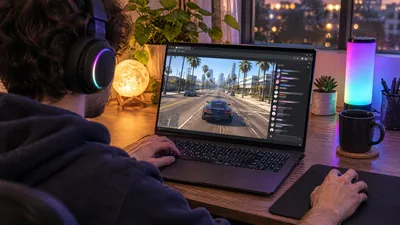 GTA 6 on PC
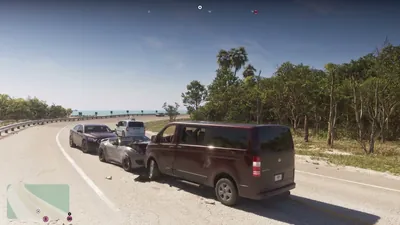 Play GTA 6 online