
How to play our PS5 in your browser
One real PS5, one controller, everyone in a queue. Watch for free, grab a spot, and when your name comes up you get the controller for 5 minutes. No download, no account, no console needed.
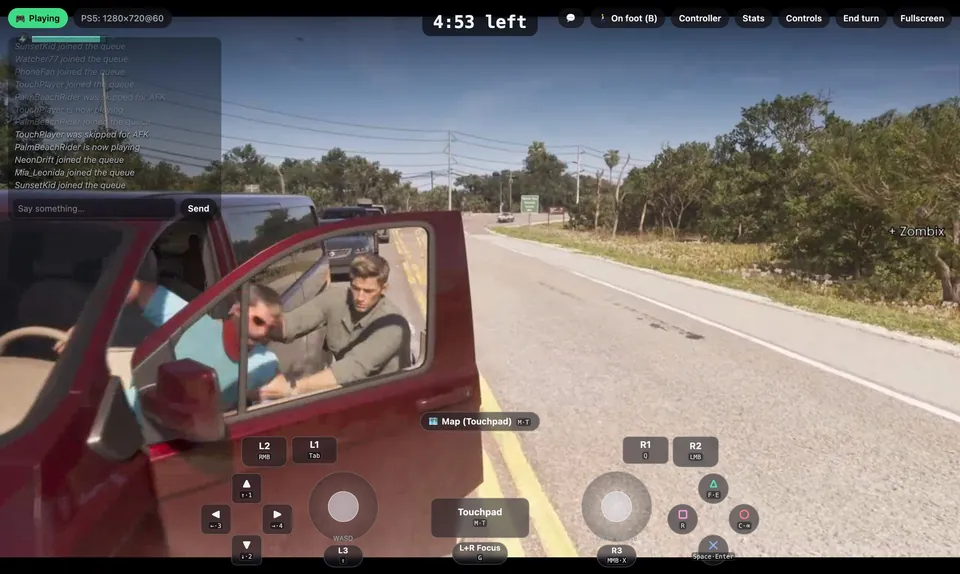
From watching to playing in 7 steps
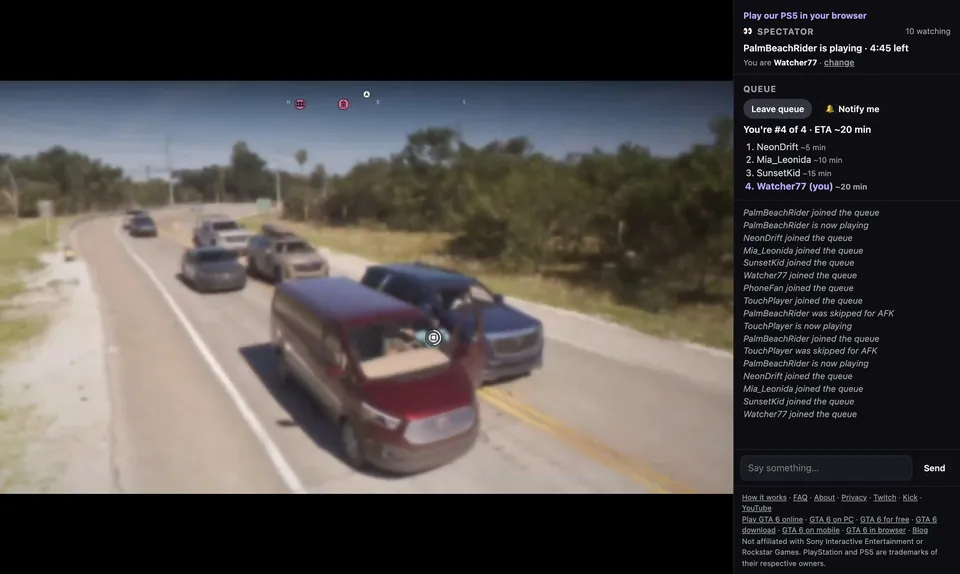
The whole thing takes a few clicks. Here's exactly what happens.
-
Watch live
Open playmyps5.com. The PS5 stream (right now: GTA VI) plays instantly, with chat on the side. Spectating is free and has no limit.
-
Pick a nickname
Type any name. That's your identity in chat and in the queue. No sign-up, no email, no password.
-
Join the queue
Hit Join queue. You'll see your spot and how many players are ahead of you, updated live.
-
Get notified
Tap Notify me for a sound, a flashing tab title and (where your browser allows) a notification when you're next. Keep the tab open: you can browse elsewhere, but being away for more than 2 minutes loses your place.
-
Press start
It's your turn! You have 20 seconds to press start and take the controller. Miss it and the next player goes.
-
Play for 5 minutes
Use a gamepad, keyboard and mouse, or the on-screen touch controller. A timer shows how long you have left. Everyone else watches you play.
-
Pass the controller
When time's up, the controller moves to the next person in line. Want another go? Join the queue again.
What a turn looks like
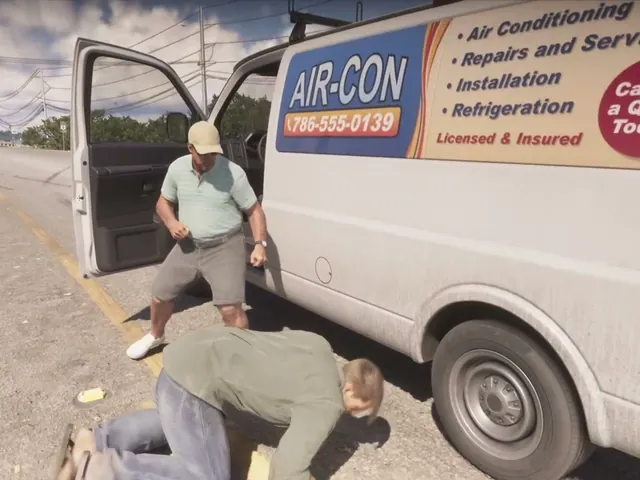
Every turn follows the same clock, so the queue keeps moving and everyone gets a fair go.
Controls
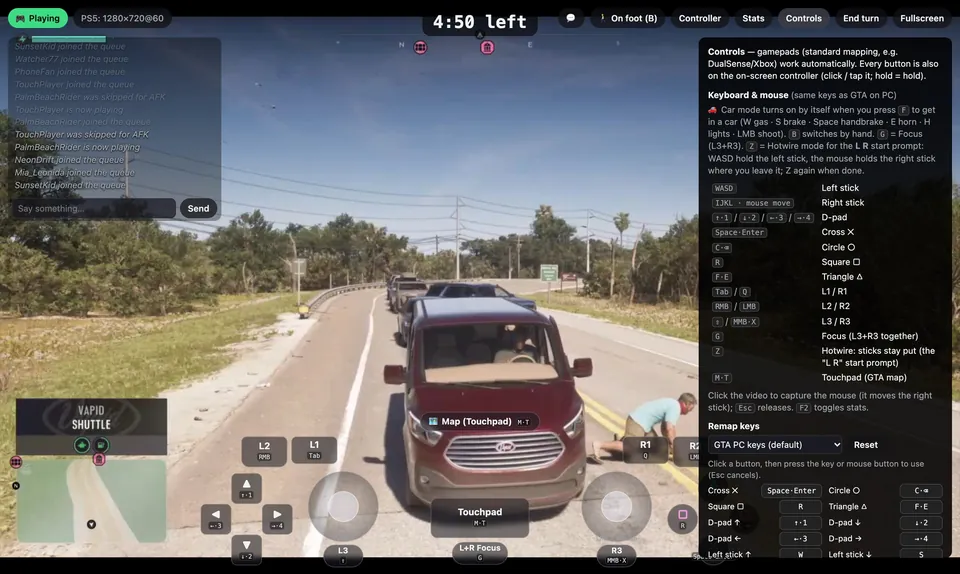
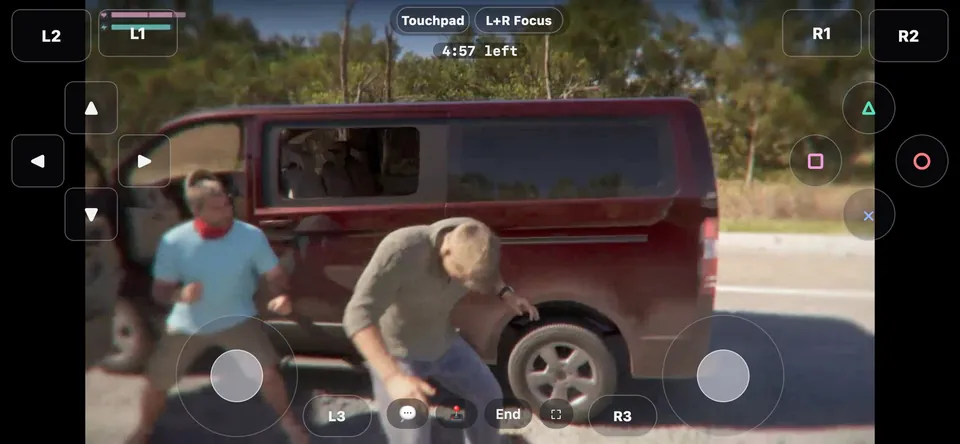
Three ways to play. Use whatever you have; they all work at once.
Keyboard & mouse
Click the video to lock the mouse: the mouse becomes the camera (right stick). Esc gives the mouse back. The layout follows the popular Better xCloud "Standard" preset, and you can remap any key in Controls on the play page (MacBook and left-handed presets included).
| Action | Key | Controller |
|---|---|---|
| Move / walk | W A S D | Left stick |
| Look / camera | Mouse (or U H J K) | Right stick |
| Shoot | Left click | R2 |
| Aim | Right click | L2 |
| Jump / confirm | Space or E | Cross |
| Back / cancel | C or Backspace | Circle |
| Reload / action | R | Square |
| Enter / exit vehicle | V | Triangle |
| L1 / R1 | Q / F | Bumpers |
| L3 / R3 (sprint, crouch…) | X / Z or middle click | Stick clicks |
| D-pad | Arrow keys or 1–4 | D-pad |
| Map (touchpad) | T or M | Touchpad |
| Driving mode on/off | B | W = gas, S = brake/reverse |
Gamepad
Plug in or pair a controller (DualSense, DualShock 4, Xbox or any standard gamepad) and press a button. Your browser detects it automatically and every button maps 1:1 to the PS5 controller. Chrome and Edge give the best gamepad support.
| Your pad | Works? | Notes |
|---|---|---|
| DualSense / DualShock 4 | Yes | USB or Bluetooth |
| Xbox controller | Yes | A = Cross, B = Circle, X = Square, Y = Triangle |
| Other "standard" gamepads | Usually | If buttons look scrambled, try Chrome |
Phone & tablet
On a phone or tablet an on-screen controller appears over the video. Drag inside the left circle to move and the right circle to look; tap a button to press it, hold to hold. Turn your phone sideways for the best view. On iPhone, add the site to your Home Screen to get turn notifications.
Tips to make your 5 minutes count
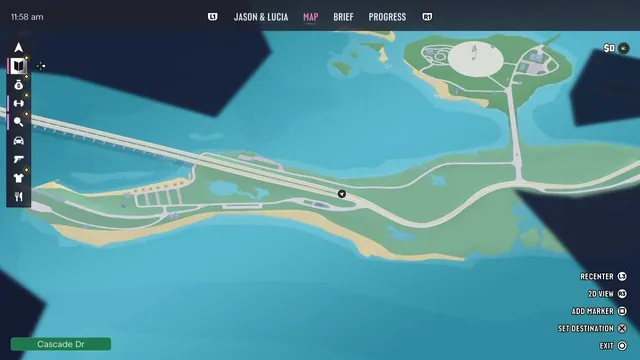
Use driving mode
Jumped in a car? Press B. Now W is gas and S is brake/reverse, just like the triggers on a real pad. Press B again on foot.
One-click shoot
In Controls → Mouse aim, turn on One-click shoot so a single left click aims and fires. Great on trackpads.
Tune the mouse
Camera too slow or twitchy? Change sensitivity, deadzone and invert-Y in Controls. It's saved in your browser.
Be ready early
Turn on notifications and click the video once before your turn so sound and the mouse are ready to go.
House rules
One player at a time
One controller, one queue. No skipping the line, no multiple tabs.
Actually play
30 seconds without input ends your turn, so the next person isn't left waiting.
Be decent in chat
No hate, harassment, spam or sharing personal info. Rule-breakers can be removed.
Leave the console as you found it
No deleting saves, changing system settings or buying anything. Just play.
Can't play right now? Watch the stream
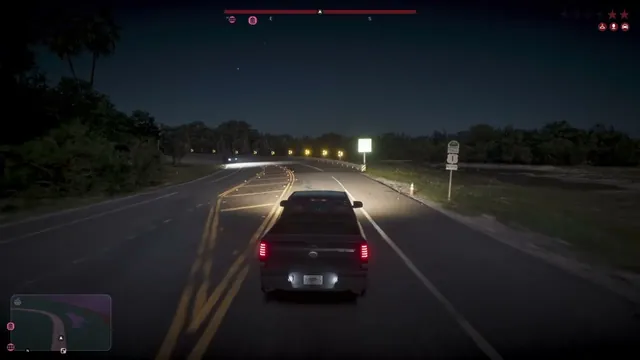
The same PS5 is streamed live on Twitch, Kick and YouTube.