
Play GTA 6 on your phone (iPhone, Android, iPad)
There's no GTA VI app for iOS or Android. But you can play the real PS5 version on your phone right now: open the site, take a free 5-minute turn, and play with on-screen touch controls or a Bluetooth controller.
 By Mateo Lindqvist · Updated
Quick answer
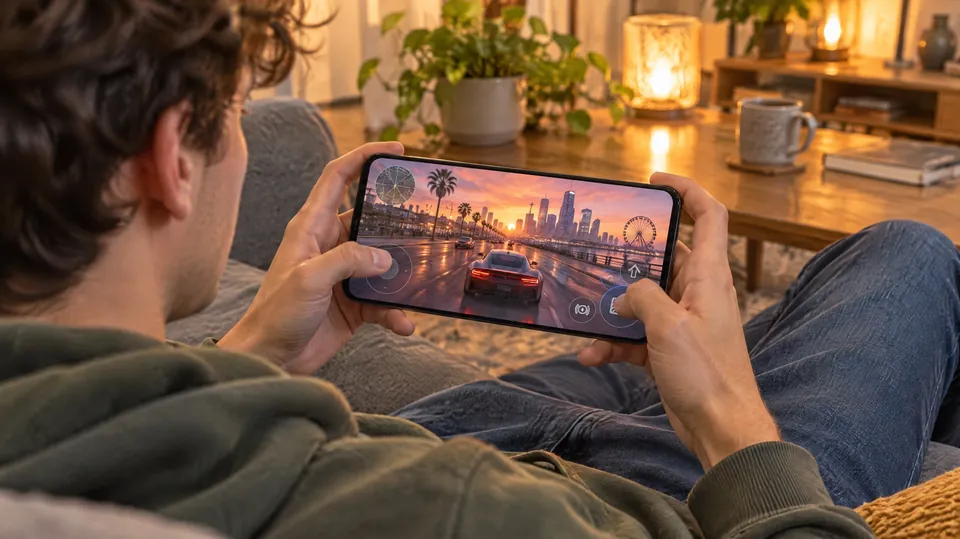
GTA 6 has no official mobile version (no iOS app, no Android app, no APK). You can still play GTA 6 on a phone at PlayMyPS5: a real PS5 running GTA VI streams to Safari or Chrome, and an on-screen touch controller appears automatically. Turns are free and last 5 minutes. Works on iPhone, iPad, Android phones and tablets. Nothing to install.
How to play GTA 6 on mobile
- Open playmyps5.com in Safari (iPhone/iPad) or Chrome (Android).
- Pick a nickname and tap Join queue.
- Turn your phone sideways for full-screen video with a see-through controller over it.
- When it's your turn, tap a button within 20 seconds and play for 5 minutes.
Touch controls
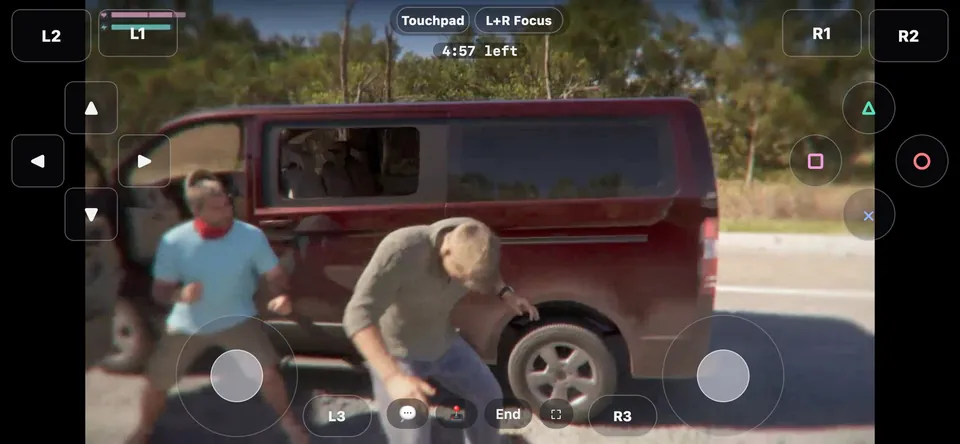
- Left circle: drag to move (left stick).
- Right circle: drag to look around (right stick).
- Buttons: every DualSense button is on screen. Tap to press, hold to hold.
- Quick actions: Pause/Options, Map (touchpad) and PS Home.
- Chat: tap 💬 to show or hide it.
Got a Bluetooth controller (DualSense, DualShock 4, Xbox, Backbone-style)? Pair it with your phone and press a button: the on-screen pad hides itself.
iPhone tips
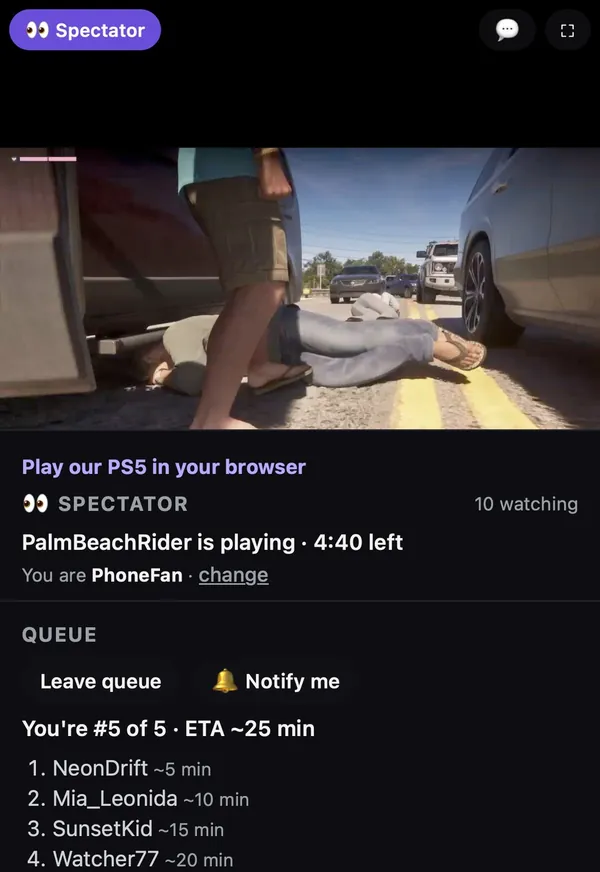
- Safari can't go full-screen on web pages. Tap Share → Add to Home Screen and open PlayMyPS5 from your home screen: it runs full-screen without browser bars.
- iPhone can only send turn notifications from the home-screen app, so add it there if you want to be pinged when you're next.
Android tips
- Chrome works best. Tap Notify me to get a notification when your turn is close.
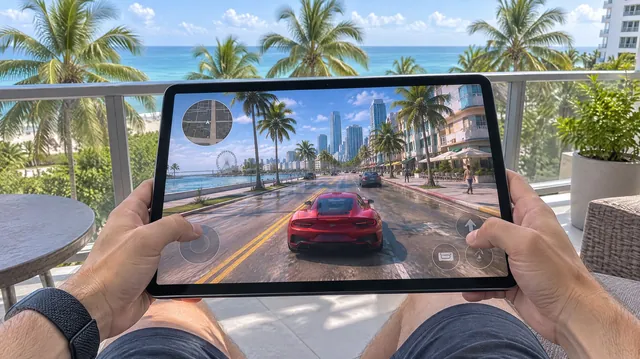
- On a tablet, landscape gives the biggest picture with the pad along the edges.
Is there a GTA 6 APK?
No. Any "GTA 6 APK" or "GTA 6 mobile download" is fake and can be malware. See GTA 6 download.
Frequently asked questions
Is GTA 6 on mobile?
No. GTA VI is out on PS5 and Xbox Series X|S only. There is no iOS or Android version. You can play the real PS5 version on your phone through the browser at PlayMyPS5.
Can I play GTA 6 on iPhone?
Yes, in Safari. Open playmyps5.com, join the queue and use the on-screen touch controller. Add the site to your Home Screen for full-screen play and turn notifications.
Can I play GTA 6 on Android?
Yes, in Chrome. On-screen controls appear automatically, or pair a Bluetooth controller.
Does it work on iPad and tablets?
Yes. Tablets get the same touch controller; landscape mode gives full-screen video with the pad overlaid on the edges.
Is it free on mobile?
Yes. Watching and playing are free on every device, with 5-minute turns.
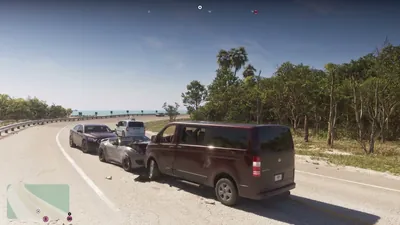 Play GTA 6 online
 GTA 6 download
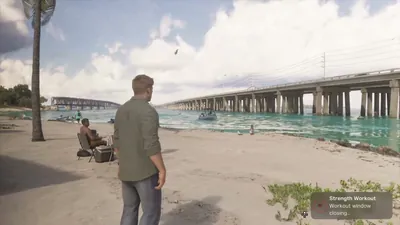 GTA 6 for free
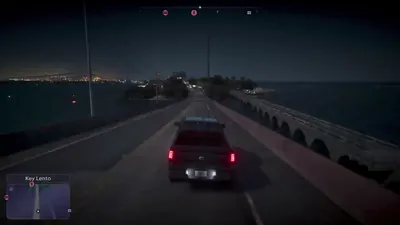 GTA 6 in browser