
Play a PS5 in your browser, free
Don't own a PS5? Play ours. PlayMyPS5 streams a real PlayStation 5 to any browser and lets visitors take turns on the controller. It's free PS5 cloud play: no console, no subscription, no install.
 By Mateo Lindqvist · Updated
Quick answer
PlayMyPS5 lets you play a real PS5 online in your browser, for free. One PS5 is streamed live 24/7 (right now running GTA VI). Anyone can watch, join a queue and take the controller for 5 minutes, using a keyboard and mouse, a gamepad or touch controls. No PS5, no PlayStation Plus, no account, no download. It's a shared console, so it's one player at a time.
How it compares
| PlayMyPS5 | PS Remote Play | PS Plus cloud streaming | PS5 "emulators" | |
|---|---|---|---|---|
| Need your own PS5 | No | Yes | Usually (PS5 or PlayStation Portal) | n/a |
| Subscription | None | None | PS Plus Premium | n/a |
| Runs in a browser | Yes | No, app needed | No | n/a |
| Cost | Free | Free (with your PS5) | Paid | Scam / malware |
| Catch | Shared, 5-min turns | Only your console | Library and device limits | Don't work |
How to play PS5 games online here
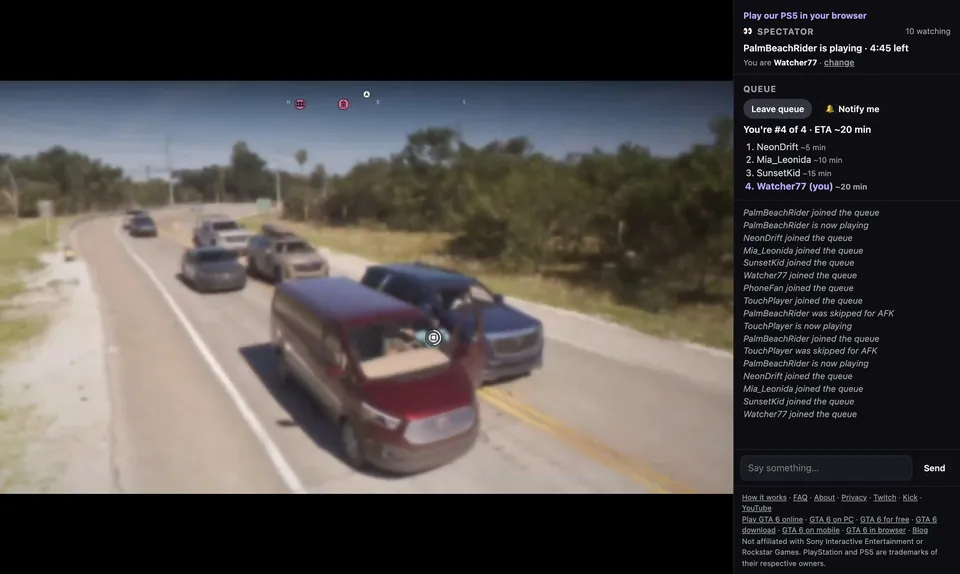
- Open playmyps5.com. The live PS5 picture starts instantly.
- Pick a nickname, press Join queue.
- When you're up, press start within 20 seconds and play for 5 minutes.
The game on the console is shown live before you join. Right now it's GTA VI (see Play GTA 6 online).
Controls
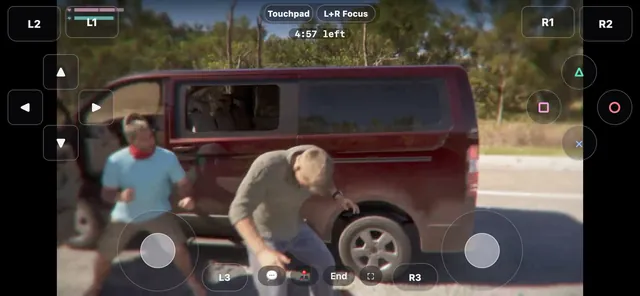
- Keyboard and mouse: Better xCloud-style layout, mouse as camera, fully remappable.
- Gamepads: DualSense, DualShock 4, Xbox and standard pads, detected automatically.
- Touch: on-screen DualSense on phones and tablets.
Full tables: How it works.
No, it's not a PS5 emulator
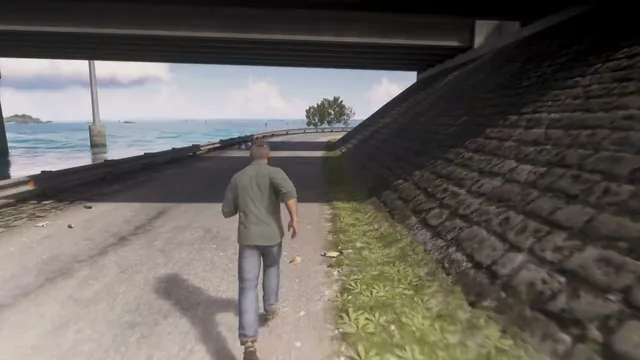
There is no working PS5 emulator for PS5 games, and "PS5 emulator" downloads are scams. PlayMyPS5 is the real console's video in your browser.
Frequently asked questions
Can I play PS5 games in a browser?
Yes, on PlayMyPS5. It streams a real PS5 to your browser and you take free 5-minute turns on the controller.
Is it free PS5 cloud gaming?
It's free cloud play on one shared PS5: no subscription, no payment. Turns are 5 minutes and there may be a queue.
Do I need a PS5 or PlayStation Plus?
No. You play our PS5. You don't need a console, PlayStation Plus or a PlayStation account.
Can I choose the game?
No. You play whatever is running on the console, currently GTA VI. You can always see it live before you join.
Is PS Remote Play available in a browser?
Official PS Remote Play needs Sony's app and your own PS5. PlayMyPS5 works in any browser without either.
 GTA 6 without a PS5
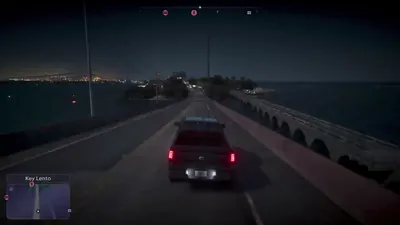 GTA 6 in browser
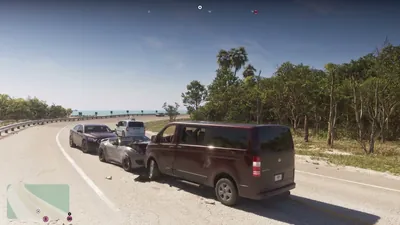 Play GTA 6 online
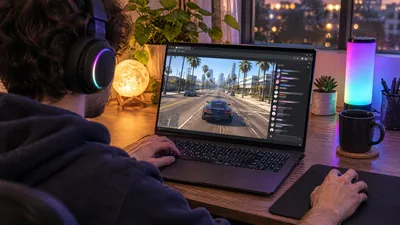 GTA 6 on PC